Using autojob coordinator
coordinator is a codeless interface for computational chemistry workflow design,
management, and parallelization. With coordinator, you can rapidly create and run
workflows in an organized fashion.
Study Group Design
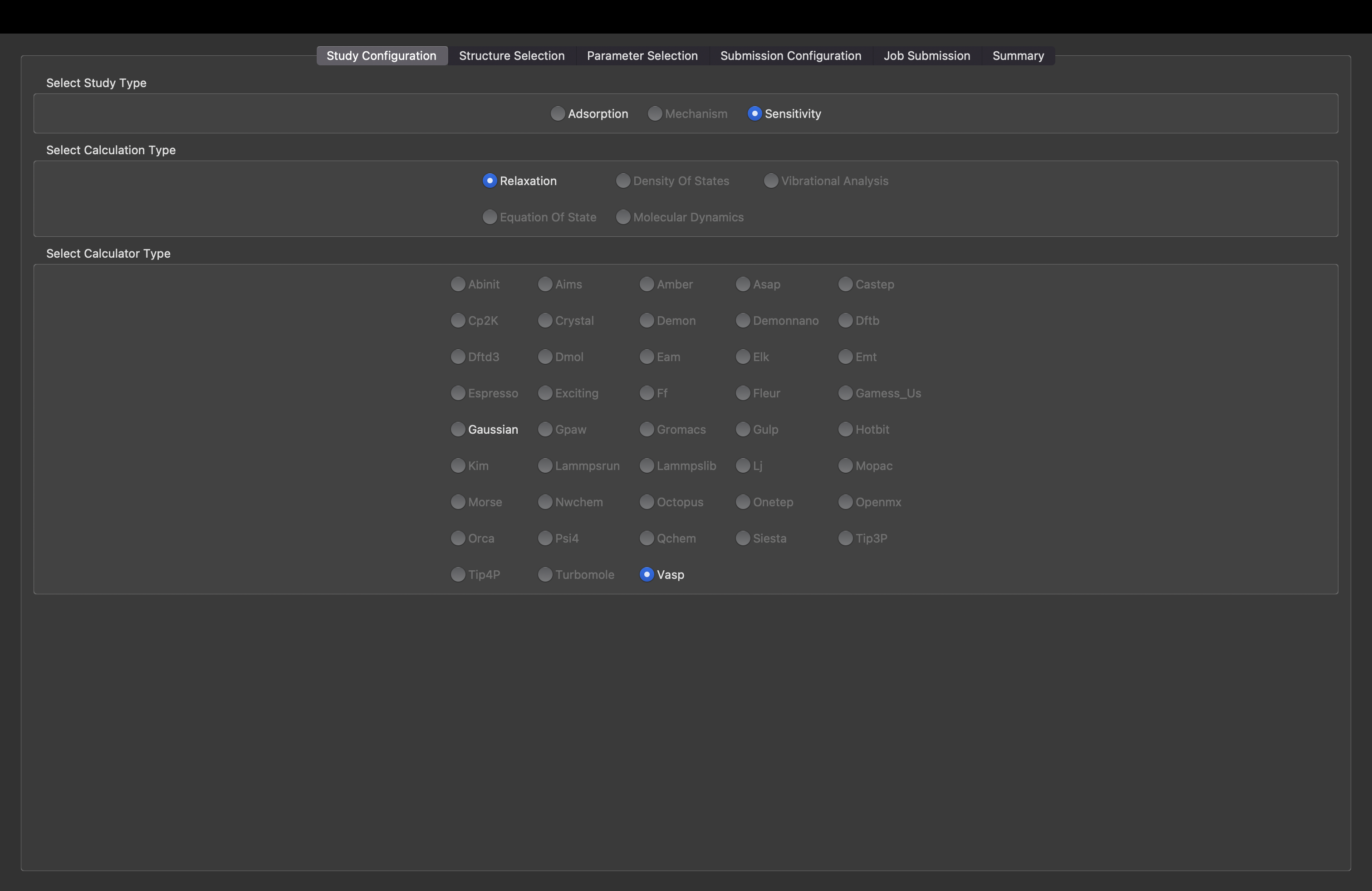
In coordinator, one begins by selecting the study type. There are three options
displayed, yet, only the sensitivity study type is available. The sensitivity
study type allows for the user to specify multiple values for calculation parameters
and create tasks for each combination of parameters. Additionally, users specify
a calculation type and calculator.
Structure Selection
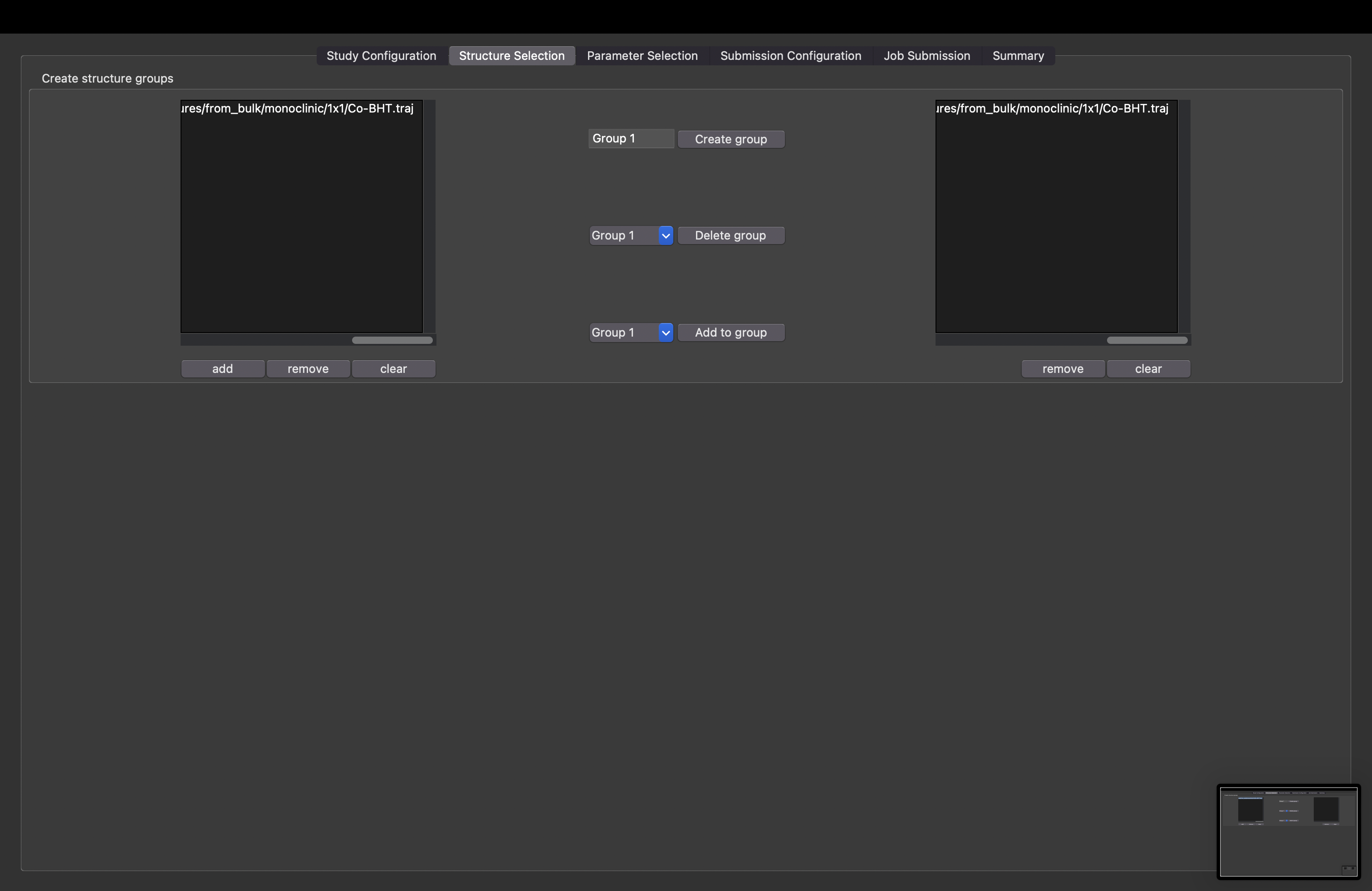
On the second tab, users create studies and select structures to be used in each study.
Parameter Selection
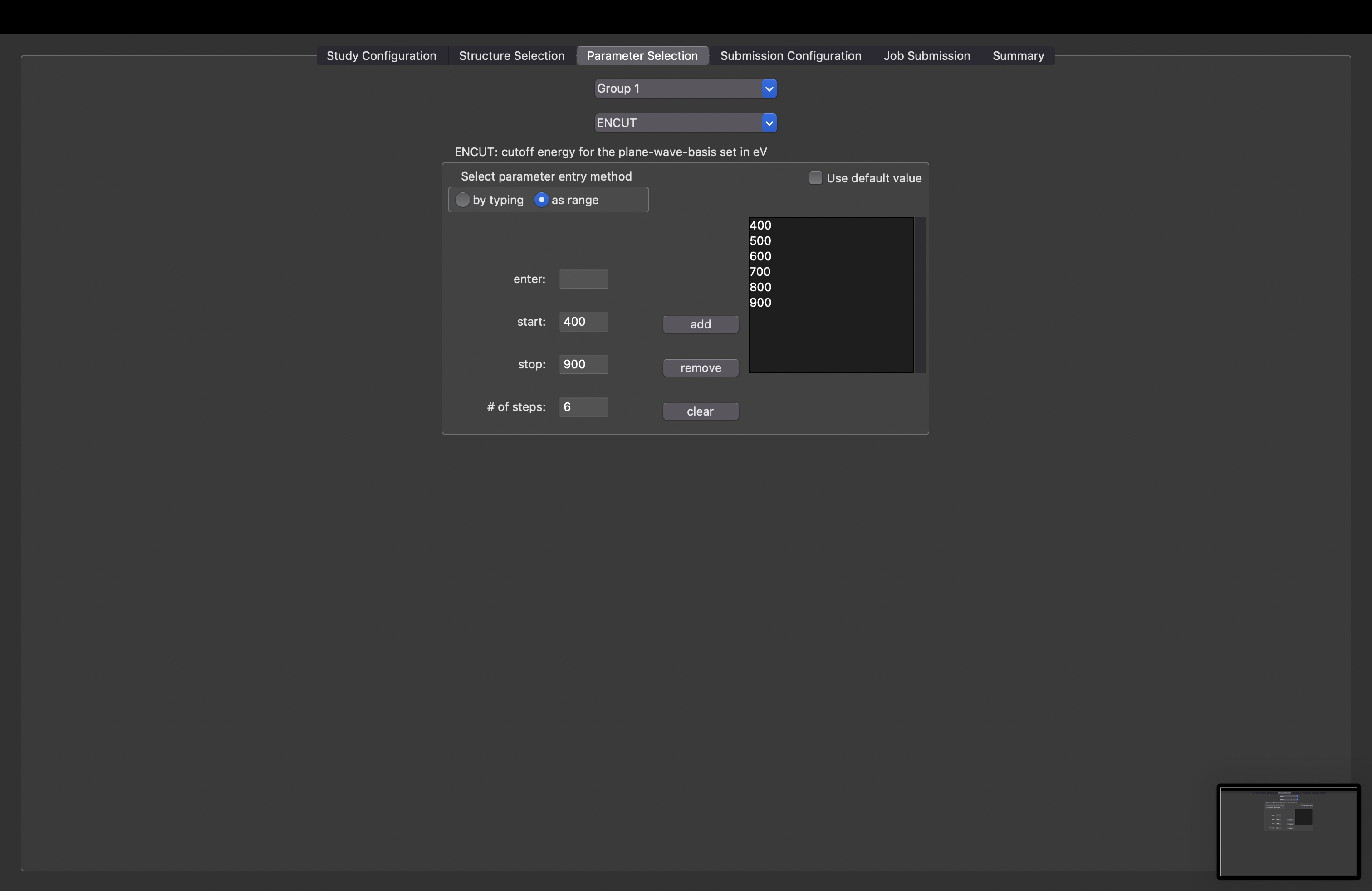
On the third tab, users specify values of calculator parameters. A tasks will be created for each combination of calculator parameters in a s study.
Submission Configuration
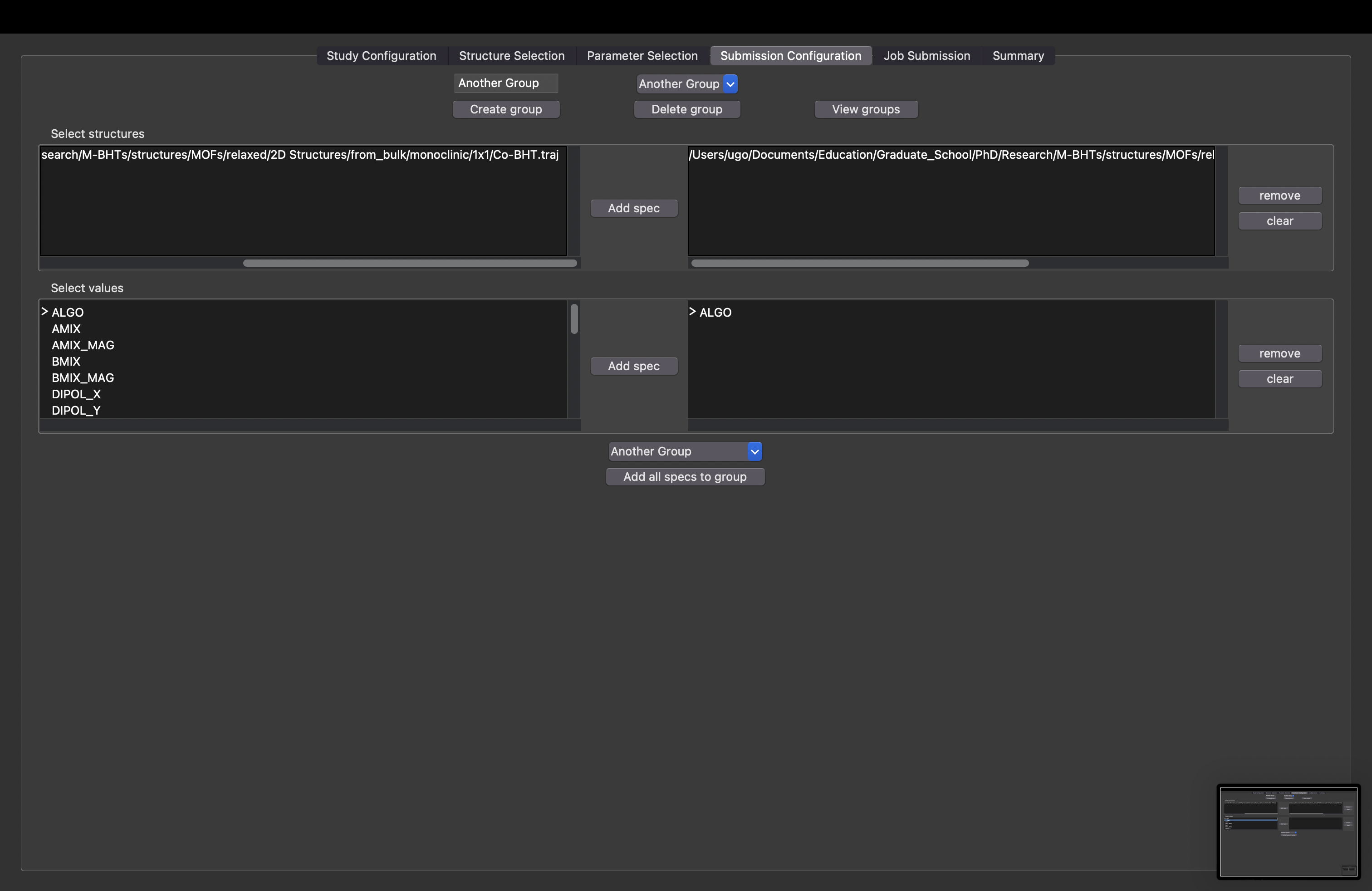
On the fourth tab, users create what are known as “submission parameter groups”, which are groups of tasks that will be executed with the scheduler inputs specified for the group. The tasks which constitute a submission parameter group are defined implicitly. One specifies values of task and calculator inputs - all tasks having matching values are included in the submission parameter group.
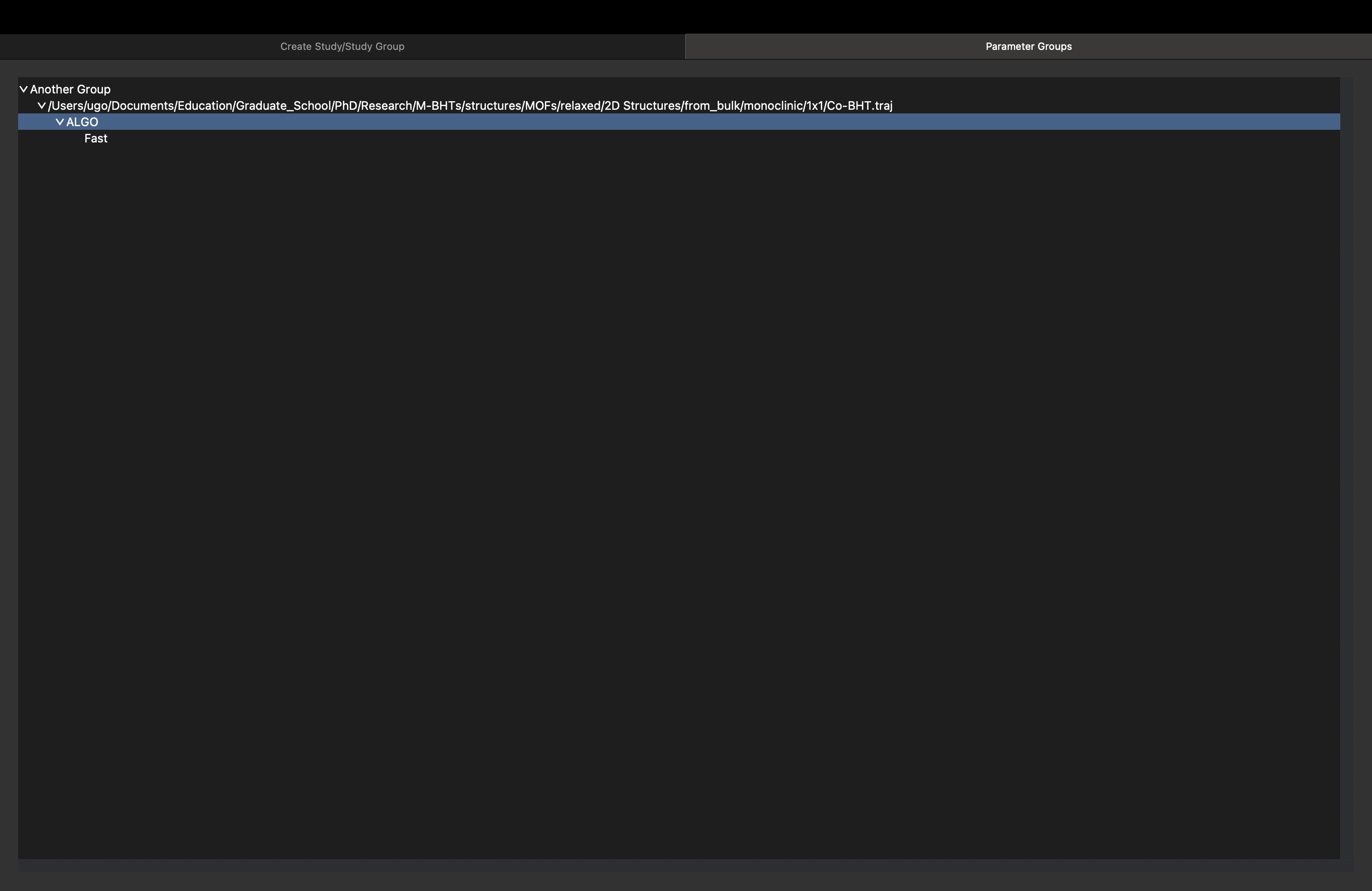
The inputs that defined submission parameter group can be viewed by clicking the “View Groups” button.
Job Submission
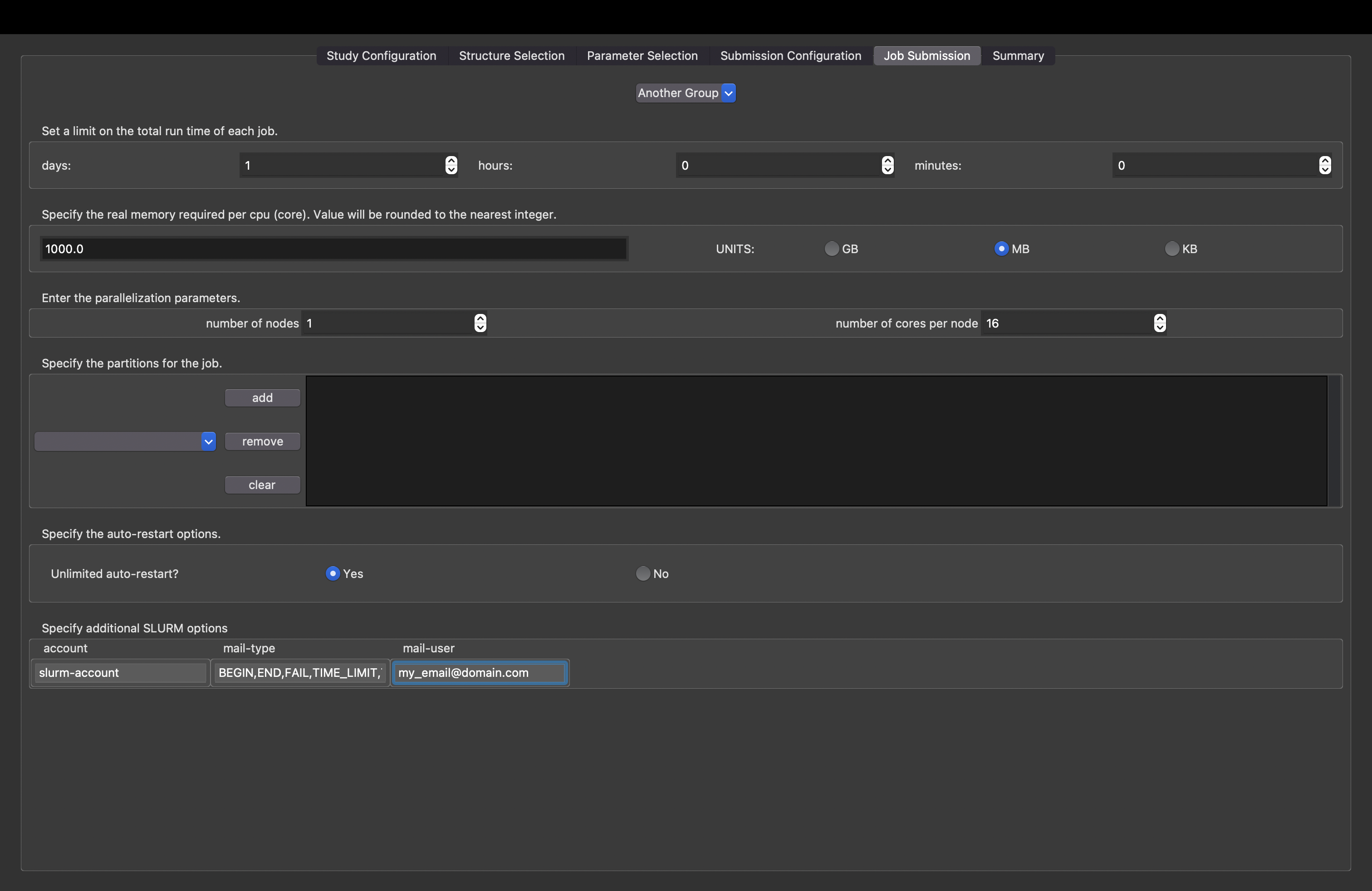
On the fifth tab, users specify the scheduler inputs to be used when submitting the job.
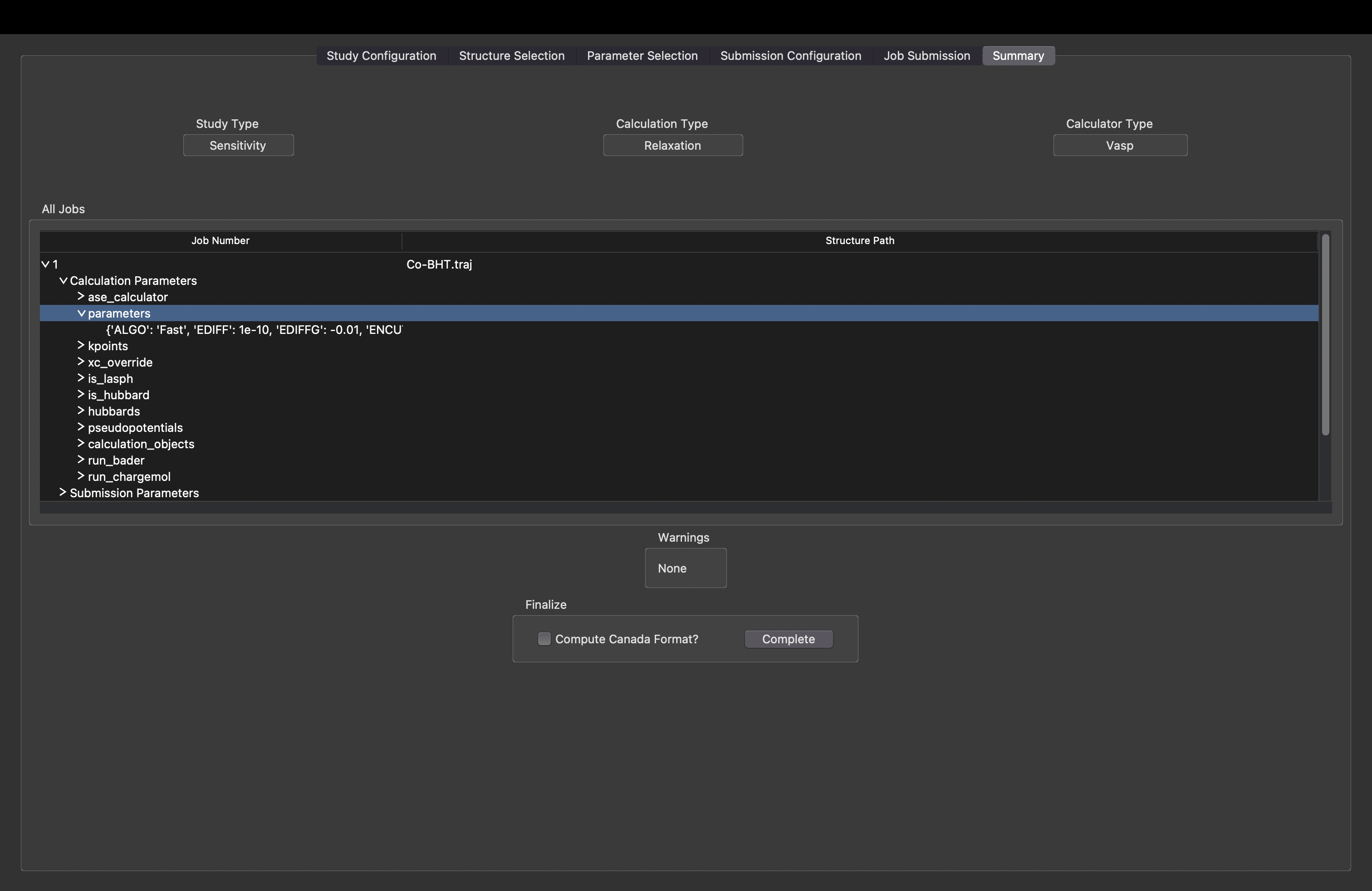
Summary
On the final tab, users can see a summary of all the tasks to be created as well as create the study group directory.